
How to Use
Select a common hole type, enter the hole size and pitch, then add sheet size, thickness, material and quantity. Use known open area mode when your drawing already gives the open area percentage.
Buyer Tool
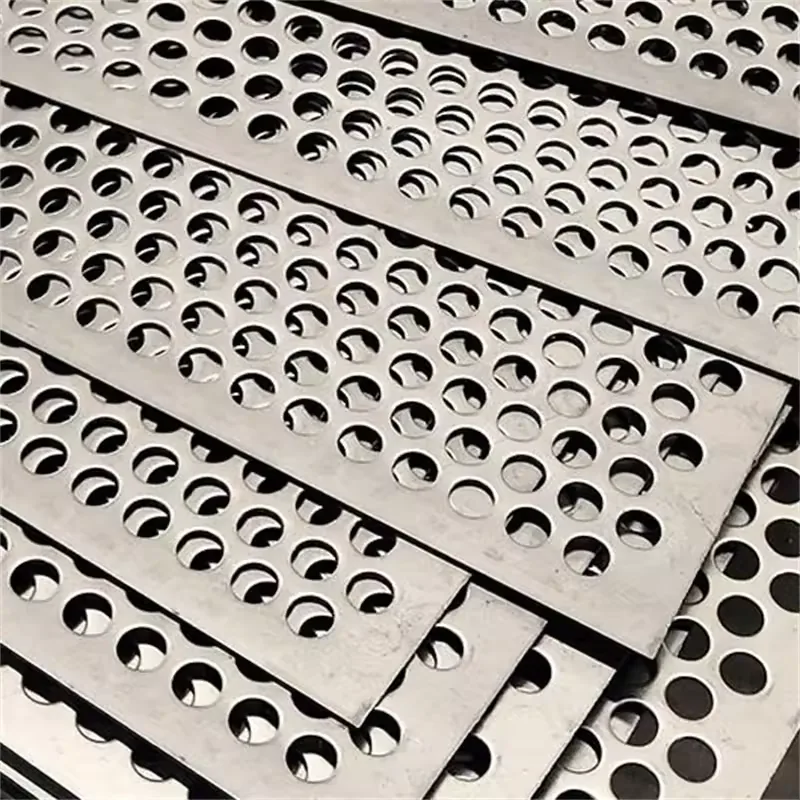
Select a common hole type, enter the hole size and pitch, then add sheet size, thickness, material and quantity. Use known open area mode when your drawing already gives the open area percentage.
The calculator estimates open area from the repeating pattern, then calculates remaining material area and theoretical sheet weight. Blank edge margins can be added for a closer procurement estimate.
No. It gives a procurement estimate for RFQ preparation. Final weight depends on drawing, tolerance, blank edge margins, material grade, surface treatment and production method.
Use known open area mode if your drawing or supplier data already states the open area percentage, then add the pattern note and send the drawing for confirmation.
Open area formulas normally apply to the perforated pattern area. Blank edge margins remain solid and can increase the real sheet weight.
The calculator sends a text style reference in the RFQ summary. It does not upload or store a generated image; final production should still be confirmed by drawing or sample.